Motocross The Game Controls: Bike and Rider Inputs Explained
How Motocross The Game controls work: throttle, clutch, brakes, rider weight transfer, gamepad setup and drills for smoother, faster laps.
Motocross The Game splits your input between the bike and the rider. Throttle, clutch, brakes and gear changes control the machine; lean and body movement control the rider. A gamepad with analogue triggers is the recommended way to play. Learn the rider inputs first, because they are what make the bike turn, grip and land.
The first ten minutes with Motocross The Game can feel like patting your head and rubbing your stomach. That is not a sign that the controls are badly designed. It is the consequence of simulating the bike and the rider as two separate physics bodies. Once you understand which input does which job, the layout becomes logical.
This guide covers the control philosophy rather than a list of default buttons. Button assignments can change between builds, and you can remap them in the settings menu. What does not change is what each input is for.
The two-layer control model
Think of the controls as two layers.
The machine layer is familiar from any racing game: throttle, front brake, rear brake, clutch, gear up and gear down. These inputs act on the bike's engine, gearbox and brakes.
The rider layer is the motocross-specific part: leaning forward and back, moving left and right, and standing or sitting. These inputs change how much weight sits on each wheel and how much freedom the suspension has to absorb the track.
The fastest lap is not the one with the most throttle. It is the one where the two layers work together. A rider who leans forward under braking and shifts back on exit can carry more speed with less steering input than a rider who simply turns the bars harder.
Throttle: treat the trigger as a traction gauge
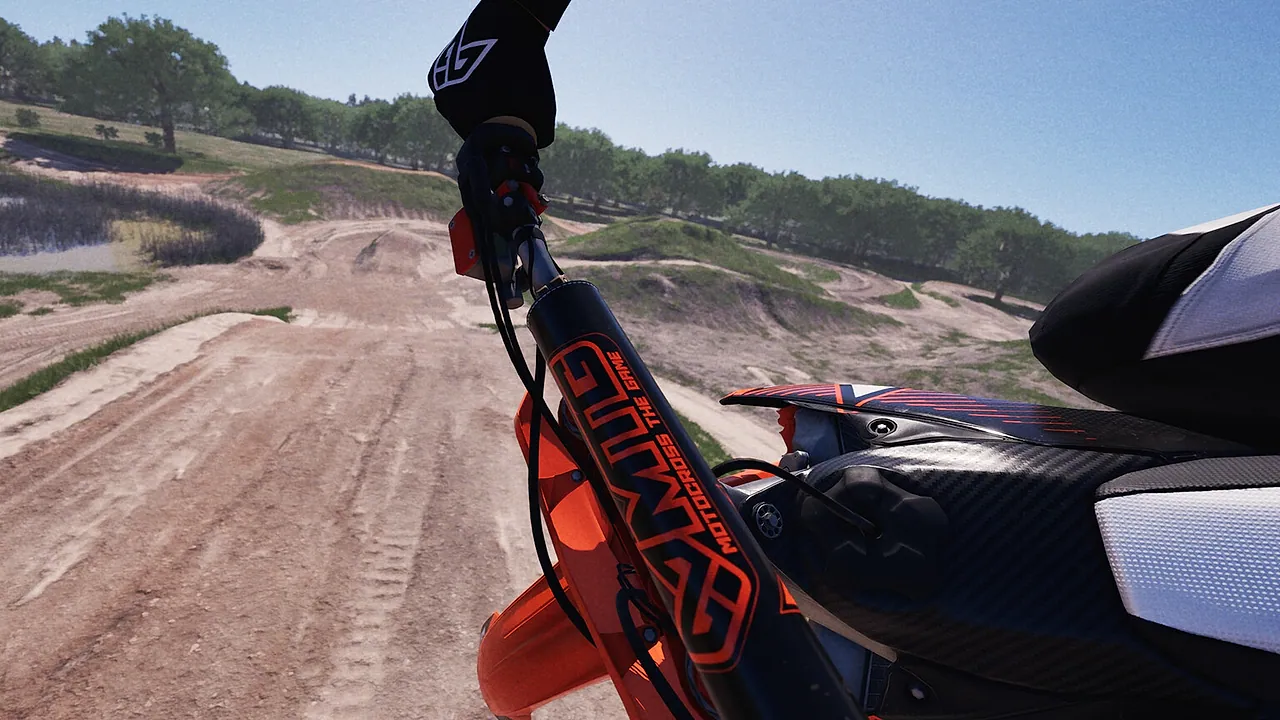
On a 450F, the first few millimetres of throttle travel are the most important. The engine makes enough torque to spin the rear wheel on hard-pack, and wheelspin feels fast without actually being fast. On the 250F you can be more aggressive, but the same principle applies: feed the throttle in as the bike stands up, not while it is still leaned over.
Listen to the engine and watch the rear of the bike. If the rear steps out without the bike accelerating, you are asking for too much throttle too early. If the engine bogs and the bike stalls, you are asking for too little. The correct amount is the amount that keeps the rear tyre driving without spinning.
On a gamepad, the trigger travel is your friend. Rest your finger on the trigger rather than stabbing it. On a keyboard, the throttle is binary, which is why a controller is recommended for this game.
Clutch: the tool that unlocks starts and slow corners
The clutch does two jobs. It lets the engine build revs before the power reaches the rear wheel, and it lets you disconnect drive when the bike is too slow for the gear you are in.
At the start, hold the revs in the meat of the powerband and release the clutch smoothly. If you dump it, the front wheel lifts or the rear spins. If you release too slowly, the gate drops without you.
In slow corners, a small amount of clutch slip keeps the engine from bogging. This is especially useful on hard-pack, where the rear tyre has less room to spin before it breaks traction. Do not use the clutch as a substitute for the right gear. If you are constantly slipping the clutch to keep a gear alive, you are probably one gear too high.
Brakes: front for stopping, rear for stability
The front brake does most of the stopping. The rear brake stabilises the bike and helps it rotate into a corner. Beginners often use only the front brake, then wonder why the rear feels light and the bike wants to stand up.
Brake with the bike upright and in a straight line. As you approach the corner, ease off the front brake and let the bike settle before you turn in. Trail braking is a real technique, but it is an advanced one; on a rutted track, a front wheel that is still heavily loaded can push out of the rut.
The rear brake is useful in two places: on corner entry, to help the rear step into line, and in the air, to bring the nose down. Use it gently. A locked rear wheel is a warning, not a tool.
Rider weight: the input most beginners ignore
Leaning forward puts weight on the front wheel. That is what you want under braking and on corner entry, because it gives the front tyre the load it needs to bite. Leaning back puts weight on the rear, which is what you want on exit, when the rear tyre needs traction.
Standing up moves your weight through your legs and gives the suspension more room to work. Sitting down lowers your centre of gravity and can help in a deep rut, but it also makes your body a rigid link between the seat and the bars.
A simple rule: forward for entry, centred for the rut, back for exit, standing for rough ground and landings. You will refine the timing with practice, but the rule will keep you out of trouble.
Steering: the bars are not the main input
At low speed, the bars turn the front wheel. At speed, the bike turns because the rider shifts weight, the bike leans and the rear tyre drives. If you try to steer the bars through a rut, you will fight the rut and lose.
Let the front wheel follow the rut. Use your body to keep the bike balanced over it, and use the throttle to control how quickly the rear comes around. If you need to change line, do it before the rut, not inside it.
Your hands follow your eyes. If you look at the outside of the rut, you will steer out of it. Look through the exit of the corner and let the bike follow.
Camera and sensitivity
A camera that is too far back makes the bike feel slow and hides the angle of the front wheel. A camera that is too close makes it harder to read the terrain. Start with the default chase camera, then try a slightly closer view if you find yourself misjudging ruts.
Controller sensitivity is personal, but two settings matter for everyone. A deadzone that is too large makes small corrections feel numb; a deadzone that is too small makes a worn stick steer the bike on its own. Set the deadzone just above the point where the bike stops drifting with your hands off the stick. Steering linearity should be smooth rather than aggressive, especially if you are learning.
Gamepad versus keyboard
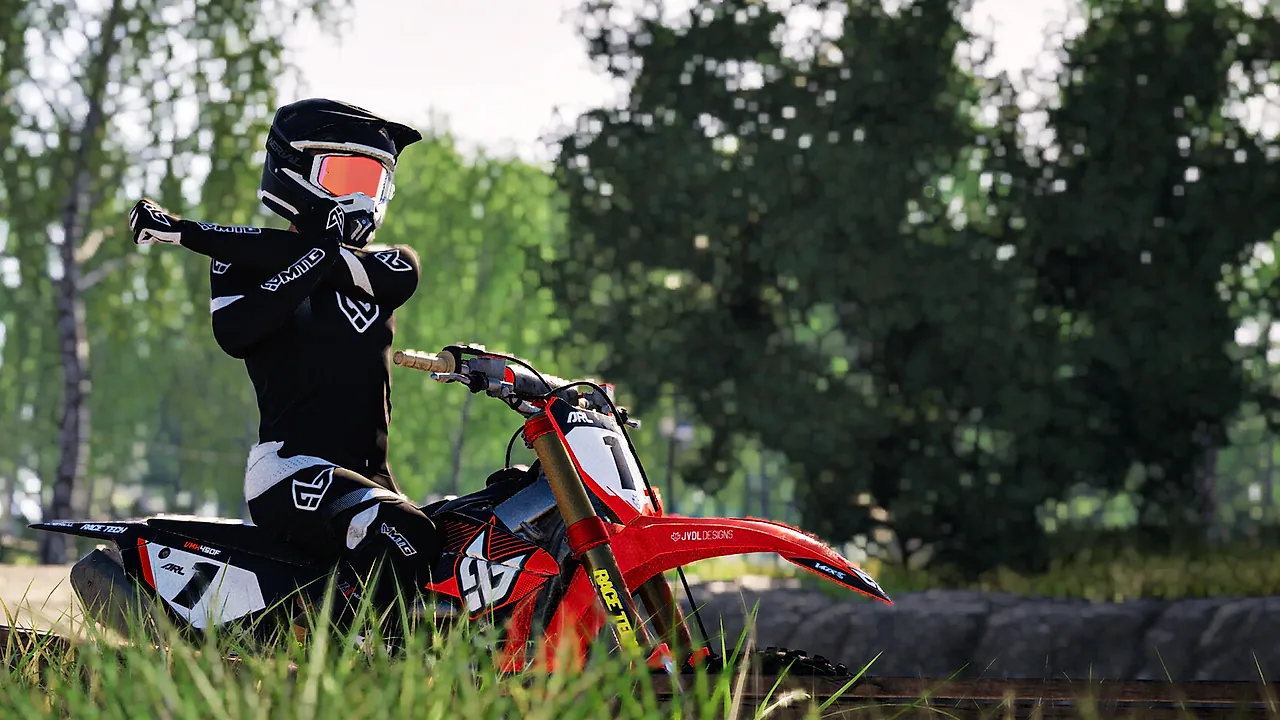
The Steam page lists gamepad as recommended and partial controller support. That matches the design: analogue throttle, brake and lean inputs are central to riding smoothly. A keyboard can work, but every input becomes a switch, so you will rely more on assists and earlier braking.
If you only have a keyboard, start with higher assists and choose the 250F. If you have a controller, use the triggers for throttle and front brake, and put the rear brake on a shoulder button where you can reach it without moving your thumb off the lean stick.
Four drills that teach the controls
The straight-line drill. On a flat section, accelerate to third gear, brake smoothly to a stop, then repeat. The goal is to feel the front brake load the fork without locking the wheel.
The rut drill. Pick one rutted corner and ride it ten times at the same speed. Count how many times the front wheel stays in the rut. Do not chase lap time.
The body-position drill. Ride a lap standing the whole time, then a lap sitting through the smooth sections. Compare how the bike behaves over bumps.
The clutch drill. From a standing start, accelerate to second gear with the clutch, then repeat without letting the engine bog. This builds the feel you need for race starts.
For the next step, the best settings guide→ covers the related inputs in more detail.
FAQ
Can I remap the controls? Yes. Check the settings menu for the current binding options. The important thing is to put throttle and front brake on analogue inputs if your controller has them, and to keep the rear brake reachable while your thumb is on the lean stick.
Should I use assist steering? Use it if you are struggling to keep the bike pointing in the right direction, then reduce it as your body-position inputs improve. Assist steering can mask bad weight transfer, so do not leave it on forever.
Why does the bike keep stalling? You are probably in too high a gear at low speed or releasing the clutch too quickly. Short-shift less aggressively and use a little clutch slip in slow corners.
Is keyboard viable for online racing? It is viable, but you will be at a disadvantage against analogue controller users in close racing. If you enjoy the game, a controller is the single best upgrade you can make.
Sources
Official source: Steam store features, official about page and roadmap, checked November 10, 2026.